The Buy Note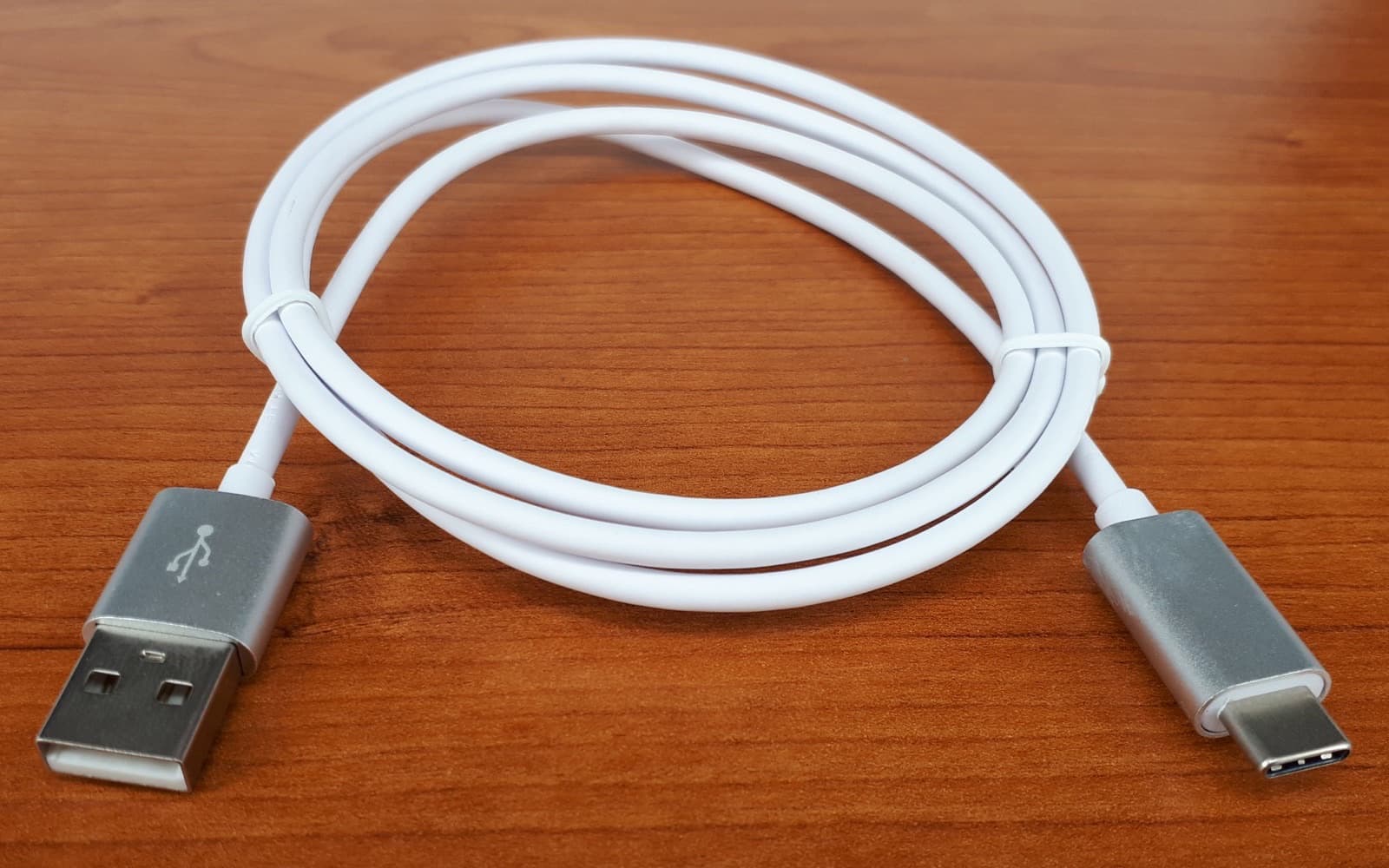
A USB-C plug tells you almost nothing about the cable behind it. Two cables that look identical and fit every port you own can differ by more than eighty times in data speed and four times in charging power, and neither will admit it. The useful shift is to stop buying "a USB-C cable" and start buying for two numbers: watts and gigabits. They are set independently, and a cable can be excellent at one and hopeless at the other.
USB-C is a connector shape. What travels through it — power, USB 2.0, USB4, DisplayPort video, Thunderbolt — is decided by which wires are present inside the jacket and whether there is a chip in the plug. Manufacturers are free to leave most of those wires out, and at the cheap end they usually do.
Power, and the chip that unlocks the top of the range
Any compliant USB-C cable carries 3 amps. Paired with USB Power Delivery negotiating 20 volts, that is 60 watts, which covers phones, tablets, handhelds and a good number of thin laptops.
Above 3 amps, the cable itself has to be identified. It needs an e-marker: a small chip in the connector that reports what the cable can take when the charger asks. Without that chip the charger holds at 3 amps no matter how much it could otherwise supply. With it, 5 amps at 20 volts gives 100 watts, and the extended range added in the newer Power Delivery revision pushes voltage to 28, 36 and 48 volts, reaching 240 watts at the top.
This is where the common complaint comes from: a laptop that charges, but slowly, or only holds its charge while asleep. The charger is usually fine. The cable is a 60-watt cable being asked to do a 100-watt job, and the negotiation quietly settles at the lowest of the three limits — charger, cable, device. Nothing warns you. The battery icon just moves slowly.
Data speed is the axis that gets cut
The cable that ships in the box with a phone, a charger or a pair of headphones is almost always a USB 2.0 cable. That is 480 Mbps, which is entirely adequate for charging, keyboards, headphones and the occasional photo transfer, and painful for anything else. A cable rated at 240 watts can still be USB 2.0, and many are. Power rating and data rating are separate claims.
| What you will see on the box | Speed | Where it matters |
|---|---|---|
| USB 2.0 | 480 Mbps | Charging, keyboards, phones |
| USB 5Gbps (USB 3.2 Gen 1) | 5 Gbps | Mechanical drives, basic docks |
| USB 10Gbps (USB 3.2 Gen 2) | 10 Gbps | External SSDs, a single display |
| USB 20Gbps (USB 3.2 Gen 2x2) | 20 Gbps | Fast SSD enclosures, uncommon |
| USB4 / Thunderbolt 3 and 4 | 40 Gbps | Docks, multiple displays, external GPUs |
| USB4 Version 2 / Thunderbolt 5 | 80 Gbps | Newest laptops and docks |
The physical reason is simple. USB 2.0 needs one twisted pair plus power. The 5 and 10 Gbps modes need two more high-speed pairs. USB4 at 40 Gbps needs all four lanes, properly shielded and held to tight tolerances. Every step up means more copper, more shielding, a thicker jacket and a higher price, which is exactly why the cable bundled with a device is almost never the fast one.
Charging-only cables, and the monitor that stays black
Some cables carry power and nothing else. Others carry power and USB 2.0 only. Both are legitimate products, and both are often sold on the strength of a large wattage number with the data side unmentioned.
The failure this produces is confusing rather than obvious. Plug a laptop into a USB-C monitor with a power-only cable and the laptop charges happily while the screen stays black, because video over USB-C travels on DisplayPort Alt Mode, which needs the high-speed pairs that the cable does not have. It reads as a broken monitor or a dead port. It is neither.
The diagnostic worth remembering: if a device charges but does not appear, suspect the cable before the port and long before the device. Cables built into car consoles, power banks and cheap multi-head charging leads are often deliberately data-limited, and that is not a defect.
Length, gauge and the volts that go missing
High-speed signalling has a distance limit, and it tightens as speed rises. A passive 40 Gbps cable runs to roughly 0.8 m. Ten gigabits gets you to about a metre, five gigabits to around two, and USB 2.0 will happily go several metres. Past those points you need an active or optical cable, which is more expensive, sometimes directional, and often carries less power.
Power has its own distance problem. Resistance rises with length and falls with conductor thickness, so a long cable made of thin wire drops some of its voltage as heat along the way. The device sees less than it asked for, charging slows, and the cable runs warm. Power Delivery's answer is to raise the voltage and lower the current for the same wattage, which is why length punishes a 5-volt phone charge far more than a 20-volt laptop charge.
The practical rule is unglamorous: buy the shortest cable that comfortably reaches. Where you genuinely need three metres, accept that it will be a USB 2.0 charging cable, and keep a short fast one at the desk for the drive and the dock.
Reading what is printed on the shell
Certified cables carry their claims on the connector shell or the moulding just behind it. The current logo scheme prints both numbers together — a speed figure such as 5Gbps, 10Gbps, 40Gbps or 80Gbps, and a power figure such as 60W or 240W. Older cables may show the SuperSpeed trident, sometimes with a 10 beside it. Thunderbolt cables carry a lightning bolt, sometimes with a 3, 4 or 5 to mark the generation.
If there is nothing printed at all, assume USB 2.0 and 60 watts. That assumption is correct far more often than it is wrong, and it costs you nothing to be pleasantly surprised.
Two more things worth doing. Verify rather than guess: plug in a fast external drive and read the negotiated link speed in macOS System Information under USB, or in Windows Device Manager. And label your own cables the day they leave the packaging — coloured tape, a paint mark, a tie label. Once mixed in a drawer they are genuinely indistinguishable, and the same diagnosis gets run again on a cable you had already worked out was slow.
When the cheap cable is the right cable
For a bedside phone charge, a wall charger in the kitchen, a lead in a bag for emergencies — a plain USB 2.0 cable rated at 60 watts is not a compromise. It is the correct product, and spending on 240 watts and 40 Gbps for that job buys you a slightly stiffer cable and nothing else.
Most households need one or two capable cables and several cheap ones, not a drawer of capable ones. If you have a single laptop, no dock, no external SSD and no USB-C monitor, the fast cable will spend its life doing a job the cheap one does identically well. We cannot tell you which side of that line you are on, because it depends entirely on what you plug in — but the honest default is to buy one good short cable for the desk, keep the ones that came in the boxes for everything else, and only buy again when something you own actually asks for more.