The Buy Note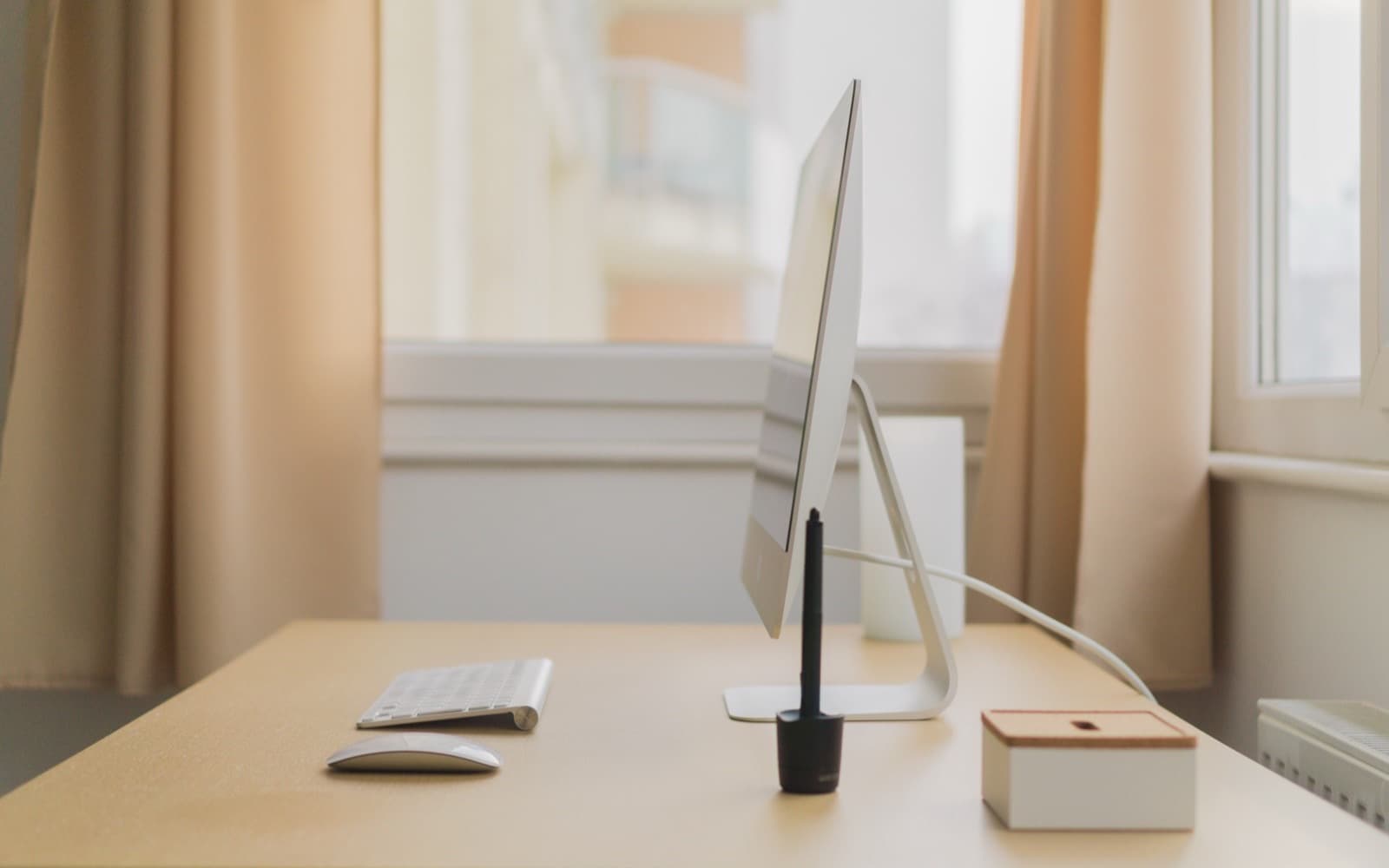
Most desk problems are posture problems wearing a hardware costume. The single change that helps the most people is raising the monitor, and it usually costs nothing. Everything after that is a question of fit, and fit depends on your body and your room, which is why nobody can pick your setup for you.
Monitor height decides more than monitor size
A screen that sits too low pulls your head forward and down. You hold that position for hours, your neck and upper back hold the weight, and by the afternoon you feel it. A larger screen at the same bad height does not fix any of that. It just gives you more to look down at.
The common guidance is that the top of the screen should sit at or a little below eye level when you are sitting upright, with the screen roughly an arm's length away. That is a starting point, not a rule. People who wear progressive lenses often need the screen lower, because the reading portion of the lens is at the bottom and looking up through it means tipping the head back. If you find yourself lifting your chin to read, the screen is too high for your glasses whatever the general advice says.
Cheap ways to raise a screen, in rough order of how little effort they take:
- A stack of hardbacks. Stable, free, and easy to tune by adding one.
- A monitor stand or riser. A shelf that also gives you somewhere to put the keyboard when you are not using it.
- A monitor arm. Adjustable, frees the desk underneath, and needs a desk edge or grommet hole it can actually clamp to. Check the depth of your desktop before buying one.
Laptop users have a harder version of this problem, because the screen and keyboard are attached. There are only two answers: raise the laptop and add an external keyboard, or accept that the laptop is for short sessions. Trying to split the difference gives you the worst of both.
Where your hands land
Once the screen is right, the question is what your forearms are doing. The general aim is elbows at roughly a right angle, forearms level or sloping very slightly down, shoulders not lifted. If your desk is fixed-height and too tall, you cannot lower the desk, so you raise the chair and put something under your feet. A box works.
Keyboards matter less than people expect, with two exceptions. The first is height: a thick keyboard tilted up with its feet out bends your wrists back, and flat or slightly negative usually feels better. The second is width. A full-size keyboard with a number pad pushes your mouse hand further right, which rotates your shoulder outward all day. If your right shoulder is the part that aches, a keyboard without the number pad is worth trying before anything else.
For mice, the useful axes are size and grip rather than sensor specifications:
| Complaint | Usual cause | What to change |
|---|---|---|
| Wrist aches, forearm feels twisted | Flat mouse, palm rotated down | A taller mouse, or a vertical one |
| Shoulder aches by the afternoon | Mouse too far right | Narrower keyboard, mouse closer in |
| Fingers cramp on a small mouse | Mouse smaller than your hand | Measure your hand, size up |
Trackballs are the option people forget. They suit small desks and anyone whose pain comes from moving the arm rather than from holding it. They also take a week or two before speed comes back, which is why plenty of people abandon them in the first three days.
Cables are a one-hour job you do once
Cable management is not about how the desk photographs. It is about whether you can move the desk, swap a monitor, or find which plug belongs to what without crawling underneath and unplugging things at random.
The parts that do the work are cheap and unglamorous: reusable hook-and-loop ties, a few adhesive clips along the back edge of the desk, and a power strip fixed under the desktop rather than lying on the floor. A tray or basket screwed underneath hides the slack and keeps the strip off the carpet.
Two habits matter more than the hardware. Label anything that gets unplugged more than once a year, at both ends. And leave enough slack that the desk can move without something tearing out — cables pulled taut are the reason monitors get yanked off desks.
Light that does not fight the screen
Screen glare comes from light behind you hitting the panel, so the fix is usually about the room rather than the lamp. A desk facing a window puts a bright rectangle behind your screen and forces your eyes to work between two very different brightnesses. A desk with a window to the side is generally easier.
A desk lamp earns its place if you write on paper, sketch, or work in a room with one dim ceiling light. Look for a lamp whose head moves and can be aimed away from the screen. Bias-lighting strips behind the monitor reduce the contrast between a bright screen and a dark wall, which some people find restful and others do not notice at all. If you have never been bothered by working at night, you can skip that.
The order to spend in
Spend in the order of how many hours a day the thing supports your body, not in the order of how interesting it is to research.
- Chair. You are in contact with it constantly and it sets everything above it. A chair that adjusts in height and supports your lower back is doing the real work; the number of levers is not the point.
- Monitor height. Free or nearly free, and the largest single change for most people.
- Monitor. Once height is solved, size and panel quality are worth thinking about — and the difference between a good screen and a great one is smaller than the difference between a low screen and a raised one.
- Keyboard and mouse fit. Cheap to change, and worth changing when a specific part of you hurts.
- Everything else. Lighting, cable trays, desk mats, arms, standing desks.
A standing desk sits outside this order deliberately. It helps people who already move during the day and want more of it. It does very little for someone who stands badly at the wrong height for two hours and then sits back down.
When the cheap setup is the right one
If you sit at this desk for an hour a day to pay bills and answer email, most of this is not for you. Raise the screen with something you already own, get the chair to a height where your feet reach the floor, and stop there. Nothing else will pay you back at that number of hours.
The same applies if you are about to move, or if the desk is in a room that is going to be reorganised. Buying an arm that clamps to a desk you are replacing, or a mat sized for a desk you will not keep, is spending twice.
And if nothing hurts, you do not have a problem to solve. Discomfort is the signal worth acting on. Buying against a problem you do not have is how a desk fills up with equipment that made no difference.